Speech Note Text to Speech For Aural Proofreading
March 9th, 2025
Originally drafted December 8th, 2025
Text- to-speech software has seen vast improvements in quality over the past few years*. I have heard writers mention that using text-to-speech has helped with their proofreading. My usual approach involves reading the work aloud myself for errors and the feel of the text. This process catches most things; however, I find that my brain will consistently insert missing articles or prepositions that I forgot to type, even when I read the text out loud. While I do find most mistakes from reading aloud to myself and by running the text through traditional spelling and grammar checks, there is a category of errors that are only apparent after publishing the words. In search of a solution to that problem, today's post explores Speech Note, an application that can do text-to-speech and speech-to-text offline on your own device.
Installation
Flatpak
If you are using flatpak - flatpak install flathub net.mkiol.SpeechNote
On Zorin I had to install Speech Note at the --user level to make it to work, but when I went to investigate use flatpak install --app and the output said it was installed at the system level. I'm not sure what happened here.
The flatpak section of the README indicates that you will need additional space on initial install. The amount of required additional space depends on whether you have AMD or NVIDIA graphics.
Arch
On Arch, the command to install Speech Note is yay -S dsnote .
Models
After installation, navigate to the "Language and Models" tab and download models for your desired task.
Requirements
Some form of hardware acceleration is required to get the application working. I am testing this on a Ryzen 7 laptop with enough RAM to kill God, so I cannot serve as a reliable commentator about setting this up on a more average machine. That being said, while running Speech Note used 587 MB of RAM according to my system monitor, my CPU had an initial spike that immediately dropped back to normal when the reading kicked off. On the GPU front, the strain increased from 8 percent usage to 20 percent while reading the text back.
Space Requirements
The real issue with this whole setup is the required amount of space for installation. The amount of space required that is advertised on Flathub is 3.62 gigabytes. There are add-on modules for AMD & NVIDIA that enable other models; notably, using a Whisper model will require hardware acceleration. The README notes that the AMD addon requires an additional 55 gigabytes of space during the install process.
The README says this is temporary and only for the install but after installation the results of du -sh ~/.local/share/flatpak/runtime/net.mkiol.SpeechNote.Addon.amd/ equal 27G and My system clocks the Flathub install at 3.8 GB.
I download 4 TTS models and the Whisper STT and that takes up about 3.2 GB. All told I am 35 GB into space usage; however, this only appears to be an issue when using Flatpak.
Between the first draft of this and publishing it, I have moved to an Arch-based system. When I build it on from Arch and run du ~/.local/share/net.mikiol the result is 167 MB.
Depending on which direction you go for the TTS voice models, these can range from tens of megabytes to hundreds. I did not come across packages over a gigabyte. I did see that on the speech-to-text models, but those are outside the scope of this post.
Usage
The interface is straightforward. 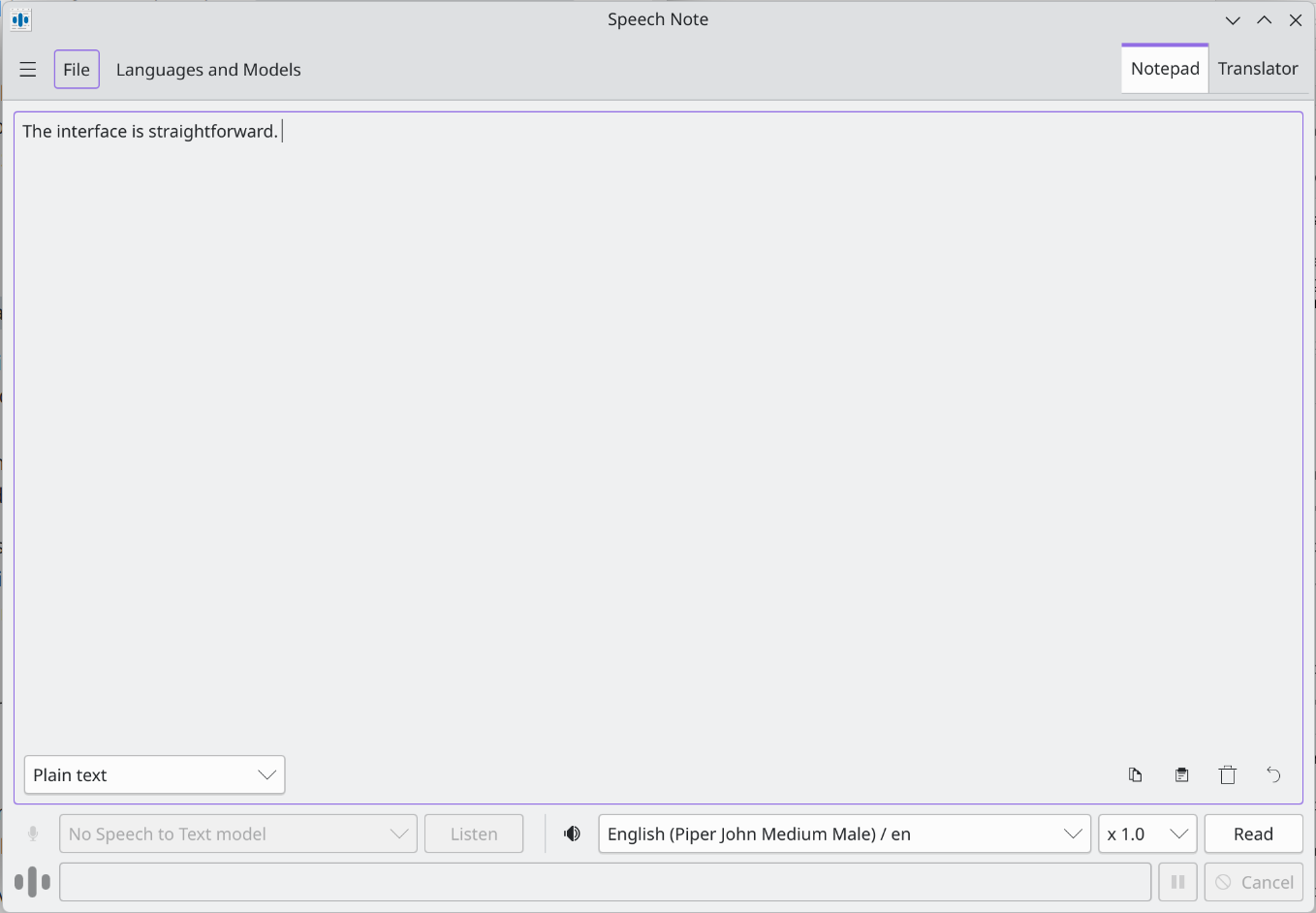 2026_03_09-speech-note-text-to-speech-aural-processing
Having text read aloud is a matter of either pasting it into the text box or uploading a file. Should you want to use speech-to-text, download an appropriate model and either record yourself live, or again, upload a file.
Finding a model through the settings requires some trial and error. The readme outlines a method of using custom models. I eschewed that route, and my strategy was a matter of indexing on processing speed with a bare gesture towards quality (I am the only person who will hear this, after all). Speech Note provides helpful information on an info button for each model, but quality of the info varies. Sorting out what one should use could be cleaner. Ultimately, I landed on a few different Piper models.
I had one model just absolutely fail to read text. I found that it helps to strip any Markdown formatting before having the text read, else the model will dutifully read the brackets and full URLs.
The model I landed on worked well but definitely still sounded robotic. That is fine for me. It gave enough texture that it was tolerable on the ear and met my goal of being able to listen to my work.
I still read my work aloud on my own, but being able to consider my words when read aloud by the machine helped me focus on what I wanted to communicate versus what I actually communicated.
Should my words ever need to go from text to speech, I will do it myself or pay a professional, but if I want to reach for a robot to read my words back to me, SpeechNote is league's better than Microsoft Sam.
*As a society we need to reckon with the fact that these improvements came through pirating all the audio published to the internet, including pirated audiobooks. There already have been material harms to workers in the narration industry.